Often, a customer reaches the checkout page in your store and wants to top up their balance, but they only have gift cards (like Steam, Razer Gold, or Apple) that traditional payment gateways do not accept.
In this case, you lose the customer because they cannot find a payment method that meets their needs.
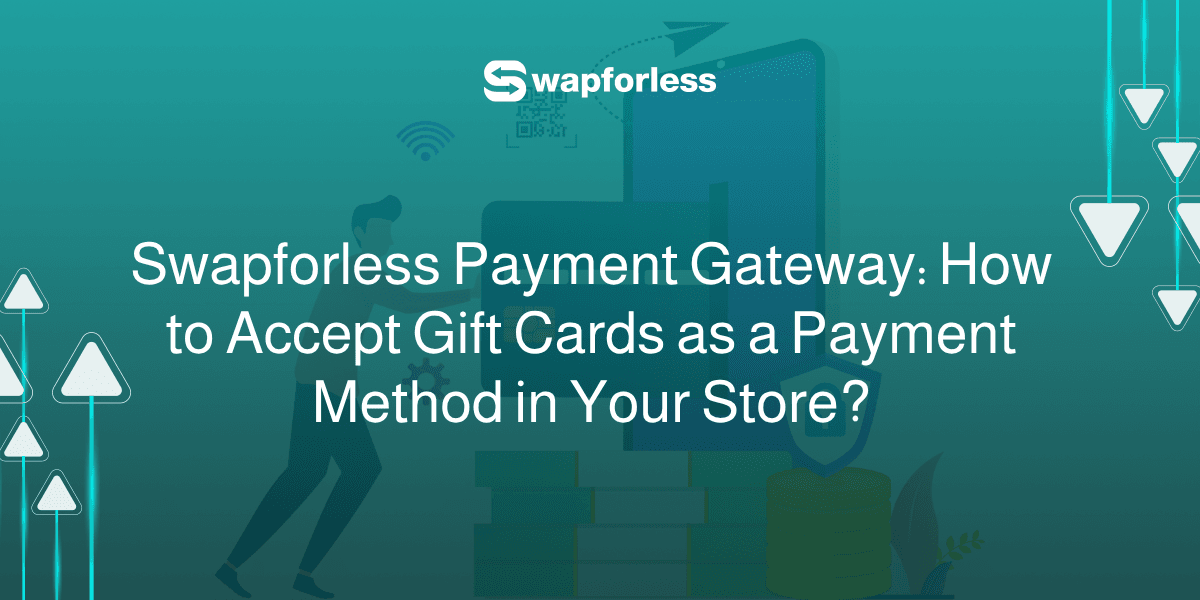
Today, the Swapforless platform provides you with the solution through an innovative payment gateway and an Application Programming Interface (API) that allows you to convert these cards into an actual balance in your customers' accounts, which means gaining new customers and additional sales.
In this article, we will review in detail how the Swapforless payment gateway works, its features, and the methods to integrate it into your store.
How does the Swapforless payment gateway work?
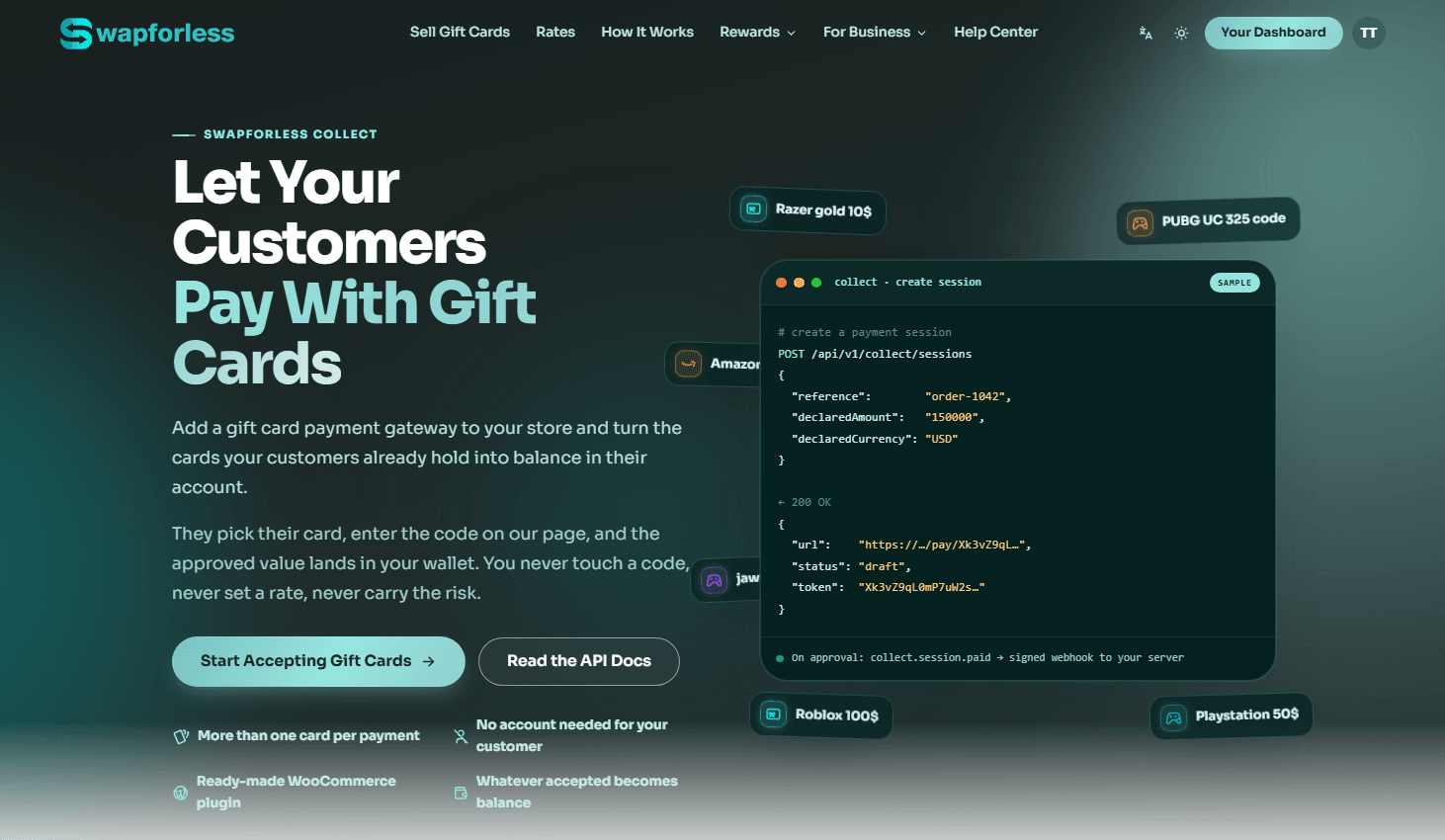
The Swapforless payment gateway is specifically designed for stores that rely on a balance system.
The only condition to be able to add this gateway is that your store has a Wallet system or internal balance that your customers already use for purchasing.
If your store supports customers holding a balance, you are immediately ready to accept gift cards.
Who is this service for?
If your customers own gift cards and cannot spend them online, this gateway turns this value into sales for you. The service is ideal for:
Game top-up and digital balance stores.
Hosting and software service providers.
Course sellers and freelancers.
Digital service providers and subscription sellers.
How does the customer pay using this method?
The payment experience is designed to be seamless and direct for the customer, without any technical complexities for your store:
The customer chooses Swapforless at checkout: The gift card payment option appears clearly alongside other payment methods on your store's checkout page.
They select their card: The customer selects the card denomination they own (such as an Amazon card), its brand, and its region with a few clicks.
They enter the secret PIN: The customer enters the card code on a secure page hosted by us. This means the code never reaches your store or your databases at all.
The customer receives their balance: We price the card at the real-time rate, and its net value reaches your Swapforless Wallet, while the equivalent balance is immediately added to your customer's account in your store to shop with.
What if the card value is less than required?
Gift cards come in specific amounts (like $10 or $50). The Swapforless gateway supports the partial payment feature highly efficiently; nothing is lost if the card does not cover the full amount.
Every verified card instantly turns into a balance. The customer can make up the shortfall by adding another card immediately, or return later to complete the amount. There are no pending transactions, and no amounts are canceled or returned to anyone.
Focus on your sales and leave the technical complexities to us
Adding a payment gateway based on gift cards might seem risky at first glance, but Swapforless completely lifts this burden from you:
You won't price any card: Prices constantly change in the market. We handle pricing the card the moment the customer submits it based on current market prices; you don't have to guess its value.
You won't see the card code: The code entry process transfers directly to us; your store is completely free of any sensitive data regarding customers' cards.
You won't chase a consumed card: If the customer enters a previously used card, it will be rejected before any balance is added to their account. You do not pay (or grant balance) for a value you haven't actually earned.
You won't return the amount of a failed card: Money moves in one direction only; after the card is approved and the transaction succeeds.
How do you add the Swapforless payment gateway for your store?
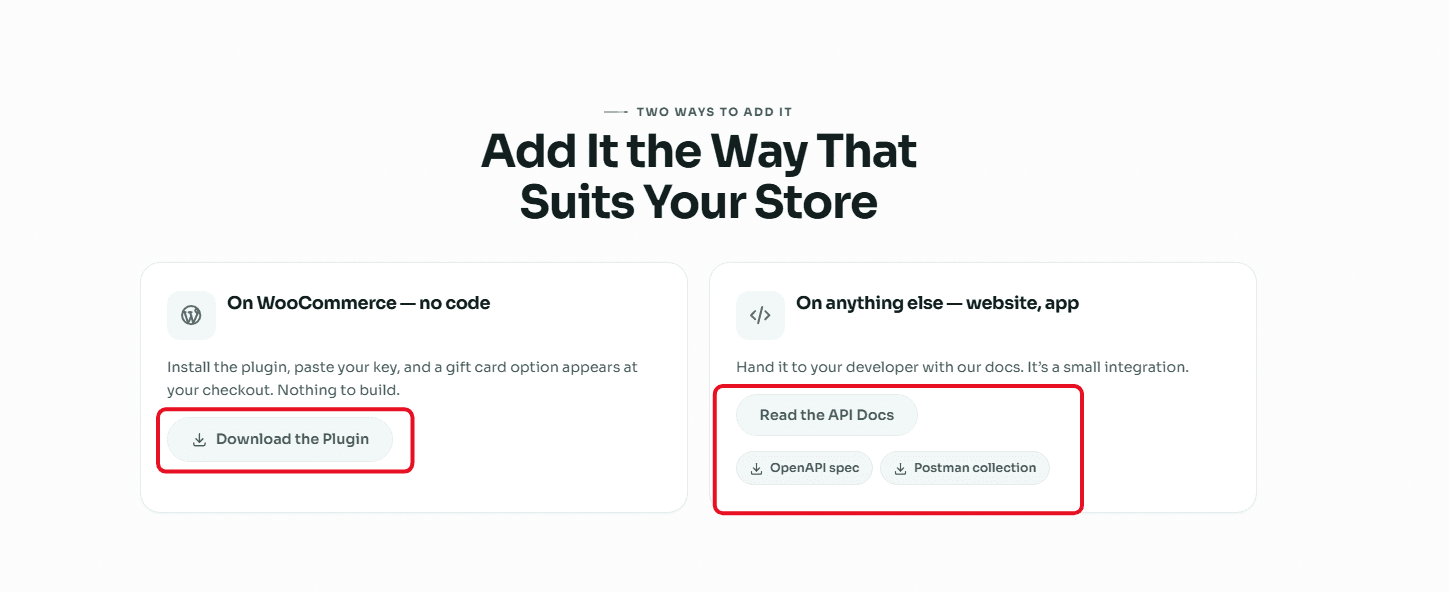
Whether you own a ready-made store or a custom-programmed platform, we have provided integration methods that suit everyone:
Without writing a line of code (for WooCommerce stores): A ready-to-download plugin. Once installed and your private key is pasted, the gift card payment option will appear directly on the checkout page.
Via API integration for any other platform: If you have a custom app or website, you can hand over the API documentation (equipped with an OpenAPI specification and a Postman collection) to your developer for quick and flexible integration.
Frequently Asked Questions about the Swapforless Payment Gateway
Does my customer need to create a Swapforless account?
No, the entire process happens within your store. Your customer simply selects their card and enters the PIN at checkout without any sign-up or app downloads required.
Which gift cards can customers use to pay?
Your customers can pay using all the gift cards supported by the platform, including Amazon, Apple, Steam, Razer Gold, PlayStation, Google Play, and many more.
What if the card value is less than the required amount?
Our gateway supports partial payments. Any valid card instantly converts to balance, and your customer can simply add another card at any time to make up the difference without losing anything.
What happens if a customer enters an invalid card?
The card is simply rejected, and no balance is credited to their account. Your customer can try another card or a different payment method, meaning zero risk or loss for your store.
Is a Wallet system required in my store?
Yes, this is the only requirement. The Swapforless gateway converts cards into credits, so your store must support internal customer balances for them to hold and spend with you.
Do I need a developer to integrate the payment gateway?
Not for WooCommerce stores; you just install our ready-made plugin and paste your key. For any other platform, we provide comprehensive API documentation, making integration a short and easy task for your site builder.
How do I receive my funds?
The net value of the cards lands directly in your Swapforless Wallet. You can then withdraw it just like any other balance using our supported payment methods (such as Crypto).
Conclusion
A new payment method means new customers.
By integrating the Swapforless payment gateway, whether via the custom API or the WooCommerce plugin, you open the door to a wide segment of users looking for a place to spend their gift cards, which directly reflects on your store's sales growth.