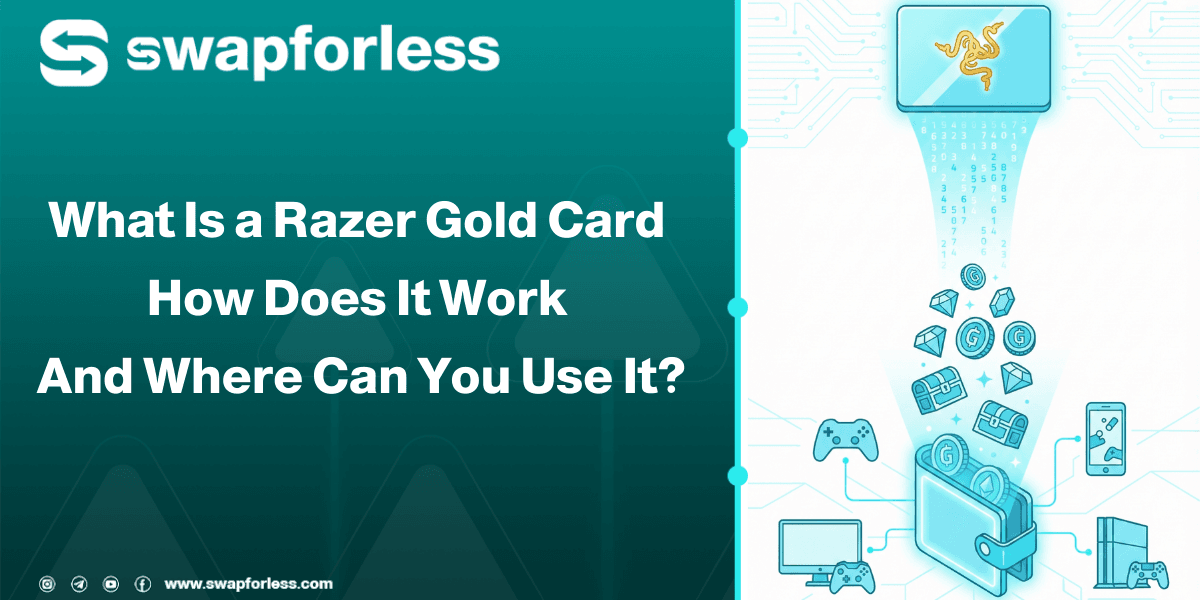
You have almost certainly heard of Razer Gold as a favorite choice for gamers, but you might still have some questions: What exactly is this card? How do those digits turn into actual in-game credits? And where can you spend it?
In this guide, we will cover these three points in detail and explain what is Razer Gold card, how you can manage this balance, or even exchange it if you don’t need it.
What Is Razer Gold Card?

Razer Gold is a unified virtual credit system developed by Razer, the global giant in gaming hardware. In other words, it is a universal currency designed specifically for gamers.
Instead of dealing with different local currencies or complex payment systems for every single game, Razer Gold provides a single currency accepted in over 42,000 games and entertainment apps.
Razer Gold vs Razer Silver
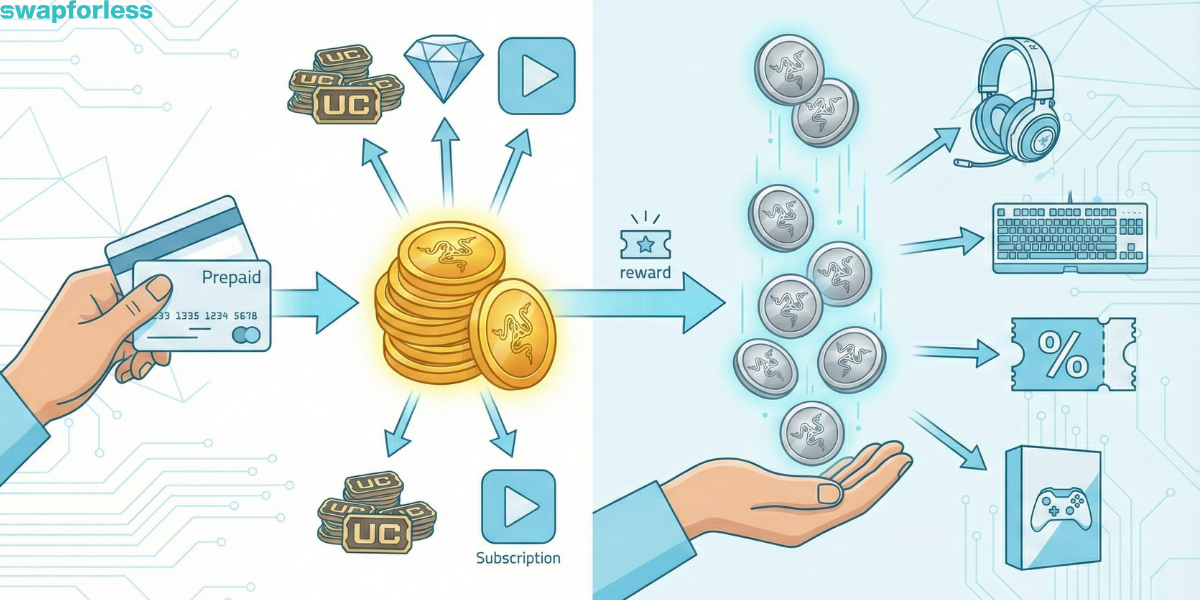
When you enter this ecosystem, you will hear two terms: Gold and Silver. It is essential to understand the difference:
1. Razer Gold
This is the “Real Money”. It is the credit you buy with your own funds (via prepaid cards or Visa) and use to top up PUBG UC, Free Fire Diamonds, or content subscriptions.
2. Razer Silver
These are “Loyalty Rewards”. You do not buy these points; you earn them for free. Every time you spend Razer Gold, the company gives you a certain amount of Razer Silver.
You can accumulate Silver points and redeem them later for real products (like headsets, keyboards, discounts, or even full games). Simply put: Pay with Gold, Earn Silver to redeem prizes!
Read more about: 5 Different Ways to Get Free Razer Gold Cards
Where Can You Use Razer Gold? (Supported Games)
This card boasts a massive network of partners. We can’t list them all, but here are the top categories and games that accept it:
- Battle Royale & Shooters: PUBG Mobile, Call of Duty Mobile, Free Fire.
- MOBA & RPGs: Mobile Legends: Bang Bang, League of Legends (in specific regions), Genshin Impact.
- Streaming & Entertainment: Twitch (to support content creators), live streaming apps, and voice chat apps.
- Gaming Platforms: Steam (Wallet Top-up), PlayStation Store (in specific regional stores).
Read more about: How to Top Up PUBG UC Using Razer Gold?
How Do You Top Up Your Games Using Razer Gold?
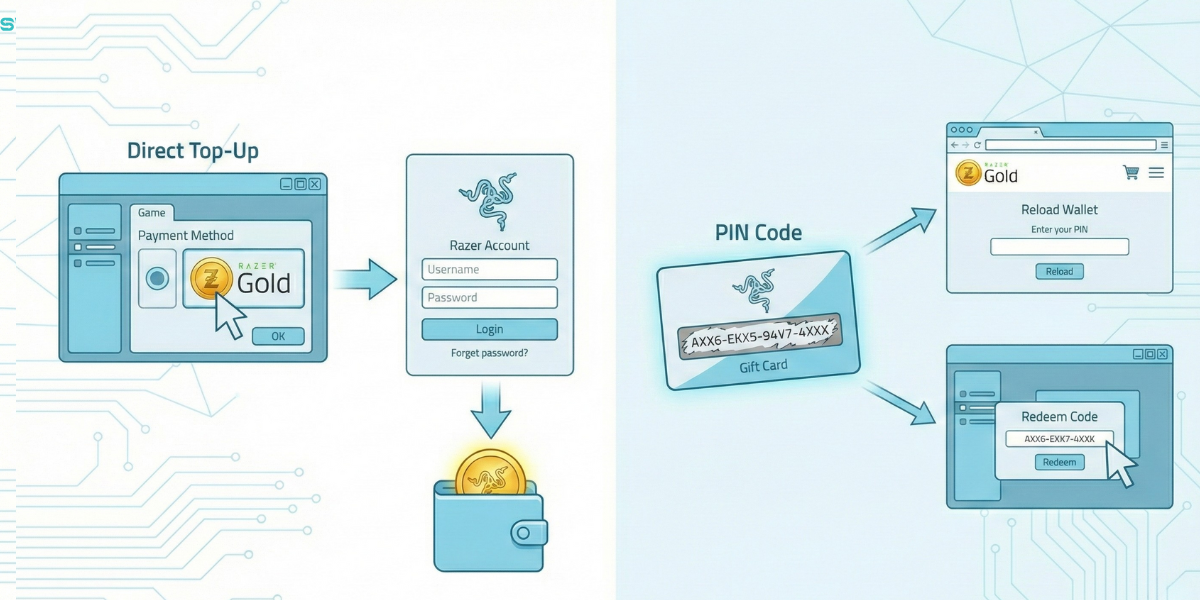
The system works in two main ways, and understanding the difference is crucial:
- Direct Top-Up: In some games (like PUBG Mobile), you can select Razer Gold as a payment method. The site will redirect you to log in to your Razer account to deduct the amount directly.
- PIN Code: You buy a card (a code) and use this code to reload your wallet on the Razer website, or enter it directly into the game if it supports direct PIN redemption.
How to Reload Your Razer Gold Account?
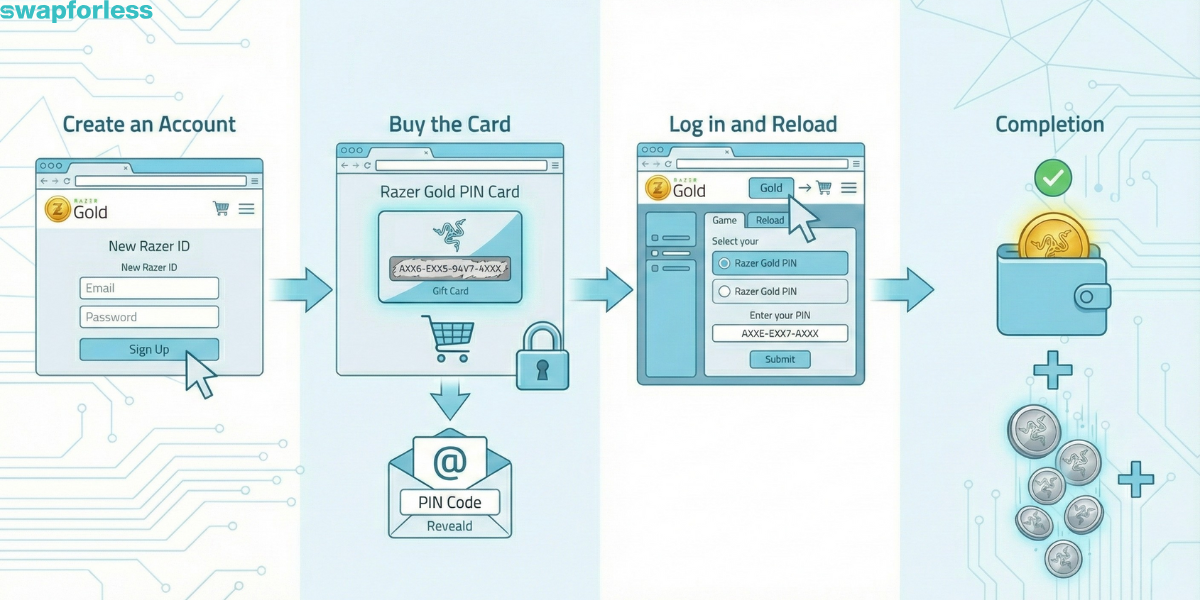
To use the service, you need an account and a balance. The process is simple and takes just a few steps:
- Create an Account: Go to the official Razer Gold website and create a free account (Razer ID).
- Buy the Card: You must buy a Top-Up Code (PIN) from a source that guarantees a valid code. You can buy a Razer Gold card directly from Kascards to ensure you get the code instantly at the best price.
- Log in and Reload:
- Log in to your account.
- Click on “Gold” and select “Reload”.
- Choose payment method “Razer Gold PIN”.
- Enter the code you purchased.
4. Completion: The balance will be added to your wallet instantly, and you will earn Silver points as a bonus.
What Are the Advantages of Using Razer Gold?
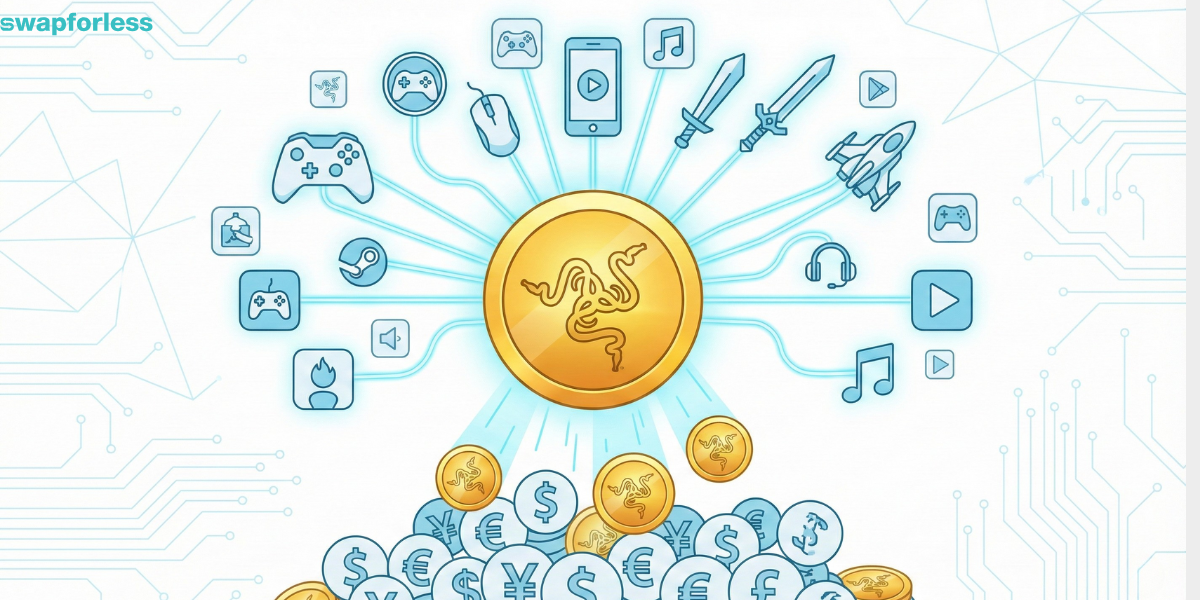
Why do gamers prefer it over paying directly with a Visa card?
- Privacy & Security: You don’t have to share your banking details with every new game you try. Your data stays in one secure place.
- Expense Control: You top up a specific amount (e.g., $10), so a game cannot charge you more than that, protecting you from hidden subscriptions.
- Silver Rewards: As mentioned, every dollar you spend gives you back a portion in the form of points and gifts, which banks usually don’t offer on direct payments.
- Easy Gifting: You can buy a card and send the code to a friend—it’s the perfect gift for any gamer.
What is the Difference Between Razer Card Designations (USA, Global, High Rate)?
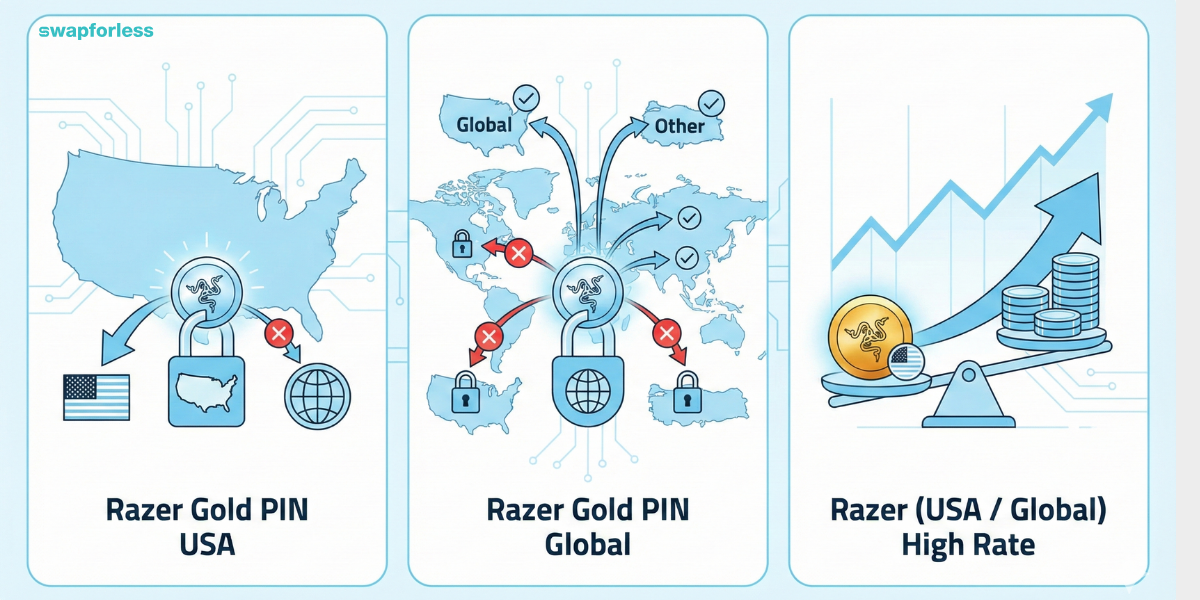
1. Razer Gold PIN USA
- This card works exclusively on accounts where the country is set to the “United States”.
- You cannot use it on any account other than a US account, not even a Global one.
2. Razer Gold PIN Global
- This card is designated for accounts where the region is selected as “Global” or “Other”.
- It is the dedicated solution for users in countries that Razer does not support with a specific local currency.
- Important Note: Despite being named “Global,” it does not work on accounts that have their own specific local cards (such as US or Turkish accounts). Local accounts are restricted and only accept their own specific cards.
3. Razer (USA / Global) High Rate
This is the same standard card (whether US or Global). However, the term “High Rate” indicates that this category is currently in very high demand. Consequently, you will receive a higher price for it compared to the standard card.
Read more about Global or USA? How to Choose the Right Razer Gold Card for Your Account
Where Can You Buy Razer Gold Cards?
To ensure you don’t encounter issues with invalid codes, it is always recommended to deal with specialized stores.
Kascards offers you a smooth and guaranteed purchasing experience. You can browse the Razer Gold section, choose the category that suits you (Global or US), and receive the code in seconds.
What If You Have Razer Balance You Don’t Need?
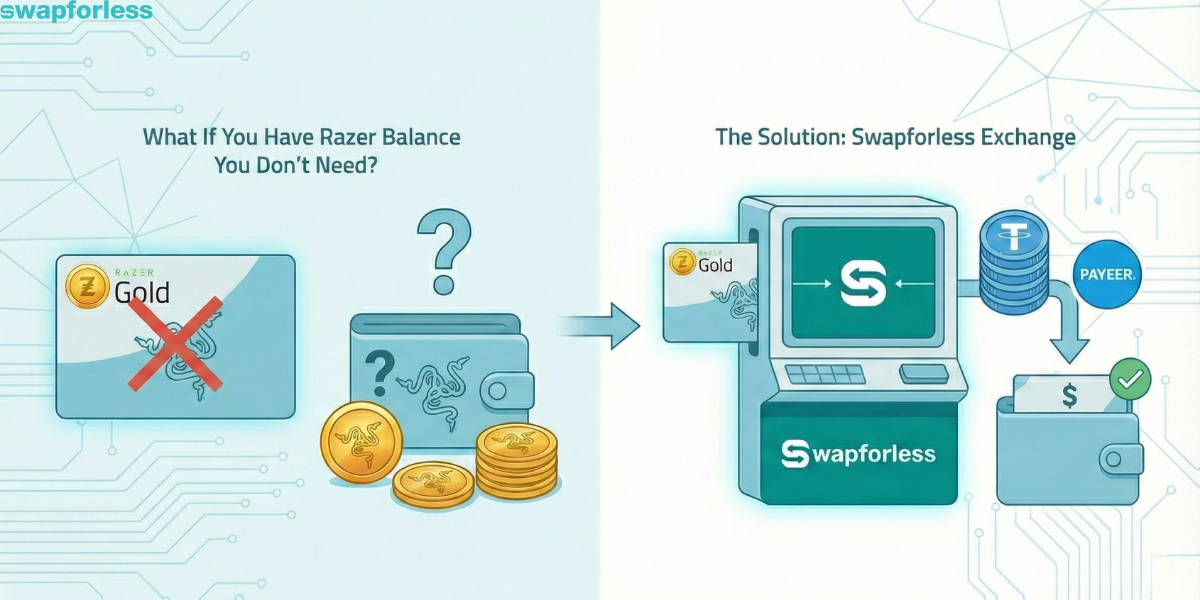
Despite how great this system is, you might make a mistake and buy a card for a region that doesn’t match your account, or perhaps you won a card for games you don’t play. Is your money lost?
No! Here, Razer credit becomes a digital asset rather than a payment method.
The Solution: Instead of freezing the funds uselessly, you can exchange your Razer Gold card and convert it into digital cash (like USDT or Payeer) easily via our platform Swapforless . We help you recover the card’s value in cash to use however you want.
Read mre: Why Do Razer Gold Exchange Rates Vary?
Frequently Asked Questions (FAQ)
1. Does Razer Gold balance expire?
The primary Razer Gold wallet balance does not expire. However, Bonus Razer Gold obtained from promotions and contests has a validity period of 30 days from the date of issuance. As for the PIN code itself, it typically expires one year from the date of purchase and must be redeemed before that deadline. Read more about What to Do With a Card About to Expire?
2. Can I transfer balance from my Razer account to a friend’s account?
Unfortunately, no. Once the balance is loaded into your wallet, it cannot be moved to another wallet. However, you can use your balance to top up your friend’s game directly as a gift.
3. What is the best Razer account type (Region) to create?
The Global account is the most flexible and accepts “Global” cards. However, some gamers prefer specific accounts (like Turkish or Brazilian) because game prices there might be cheaper sometimes, but topping them up is harder and requires cards specific to those countries.
4. What do I do if I bought a card for the wrong region?
The system is very strict about this. The official solution is to create a new wallet that matches the region. However, the easiest solution is to exchange the card via Swapforless and recover its value.
5. Can I convert Razer Gold balance into cash?
No, the system is designed for use within games and digital services only, and cannot be withdrawn directly from Razer. However, you can use the Swapforless service to convert this balance into easily liquidable currencies like USDT.
Read more about: 7 Ways to Exchange Razer Gold Cards: A Comprehensive Guide
In Conclusion
Using Razer Gold gives you peace of mind when paying and ensures you get the most out of your money through the rewards system.
You can start immediately and get your secure card from Kascards, and if you find yourself with a card you don’t need or made a mistake in choosing the region, remember that Swapforless is your guaranteed destination to convert this digital credit into real cash to use however you prefer.
If you prefer direct payment on Steam or any global platform without buying gift cards, you can use the virtual Kazawallet card. It allows you to top it up with cryptocurrency and pay just like any global Visa card in seconds.